Your key stays on your device.
Stored in the device-only Keychain. Forget the vehicle in Handlefree to remove the local key; remove it from your car’s key list to revoke access.
Privacy by design
Vehicle access should not require another account. Understand how Handlefree connects, where the key stays and what you control.
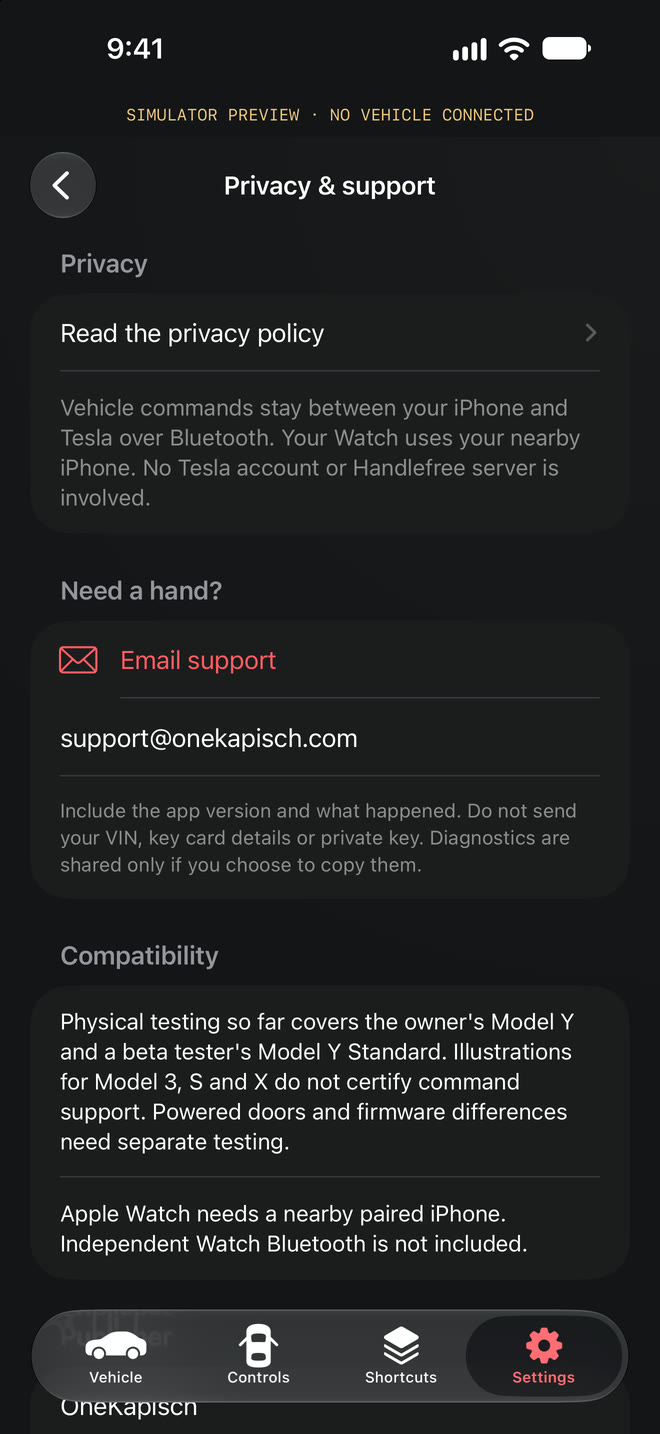
Pair a vehicle key with your Tesla using your key card. Handlefree sends nearby commands over Bluetooth, without a Tesla login or a Handlefree cloud account.

Stored in the device-only Keychain. Forget the vehicle in Handlefree to remove the local key; remove it from your car’s key list to revoke access.
No app analytics SDK, advertising profile or trip history. Purchases, TestFlight and other Apple services follow Apple’s own data practices.
Pause vehicle commands across Handlefree’s controls. Re-enable them with device authentication when you are ready.
The optional signal guard sends a command only when the Bluetooth signal is strong right before sending. It is experimental and off by default: signal strength is not a distance or relay protection.
Handlefree sends vehicle requests over nearby Bluetooth. It does not provide internet-based remote access to your car. Bluetooth range varies; it is not a fixed distance guarantee.
Delete the stored key in Handlefree Settings. To revoke the vehicle’s trust in a paired key, remove that key from the car’s key list too.
The app’s local Bluetooth design and website hosting are separate. Visiting this website involves your browser contacting the hosting provider, and the website counts page views with cookieless, aggregated statistics (Vercel Web Analytics) and counts taps on the App Store buttons without cookies or IP addresses. The app itself has no analytics. Read the privacy policy for the published data-handling terms.
Handlefree Pro is bought through Apple’s In-App Purchase. Apple processes the payment; we receive no card or account details. Your trial start and Pro status stay on this iPhone.
An optional, experimental check that asks for a strong Bluetooth signal right before a command is sent. It is off by default, applies to every origin, and is not a distance measurement or relay-attack protection.
You choose what to share with support. Avoid sending your VIN, vehicle keys or other sensitive information. Contact support@onekapisch.com for help.