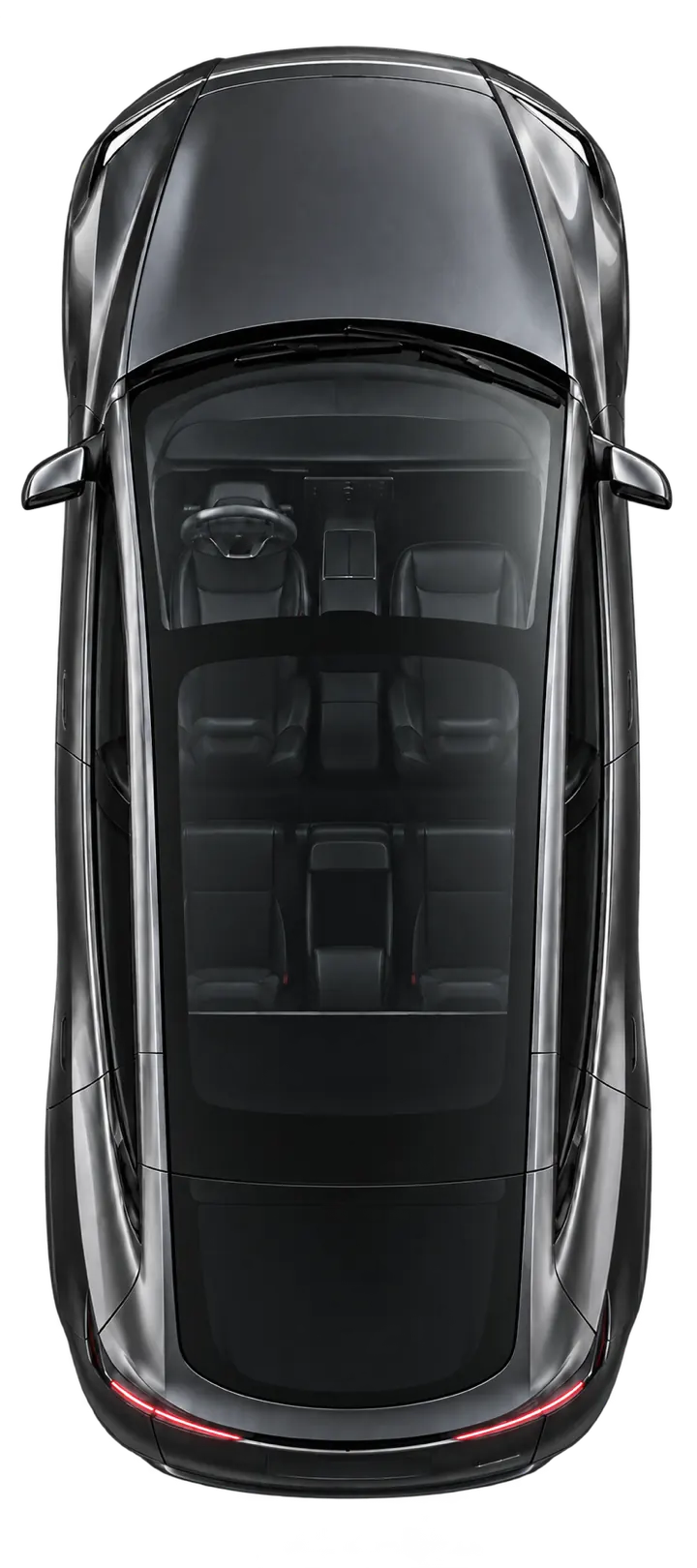
Load the car.
Tap the frunk or trunk on the car. For the powered trunk, choose Open or Close from the menu that appears. Part of Handlefree Pro.
 A OneKapisch product · Built in Germany
Unlatch your Tesla’s driver door with one press: the Action Button, Siri, a Shortcut or Control Center. Free. Pro adds every other door, the frunk, trunk, charge port and Apple Watch. Nearby, over Bluetooth.

Recorded in the iOS Simulator · simulated vehicle responses
The developer’s Model Y, an iPhone on its Home Screen and one press. The driver door unlatches before you reach it. Filmed in one take and shown in real time.
Real recording on the developer’s Model Y at original speed. The on-screen labels illustrate what the app does; third-party number plates are blurred.
Amazing
Simply amazing. A must have for Tesla owners.
Amazing
This app gives you access that you otherwise would not get with the Tesla mobile app. There are other products that give you physical buttons for this that cost quite a bit, but this is a great lower cost option. Highly recommend.
Thank you :-)
Really, really cool and helpful app. … Will save a lot of stress 👍💪
It fills a need
Handlefree fills a need on the Tesla Y/3. Being able to open each door, not just unlock it but open it so you never need the handle at all, makes many everyday things easier: when the driver’s hands are full, when you’re with people who aren’t used to these hidden handles, or simply as a kind gesture. It can be triggered by voice with Hey Siri, which makes the whole process easier. …
Good
Haven’t figured out the setup yet, I’ll try again today. But it sounds good.
An important everyday helper!
The app already has plenty of useful features and keeps being developed and improved. 5 stars from me!
For the passenger who can’t find the handle. The full hands. The everyday moments a little thought makes easier.
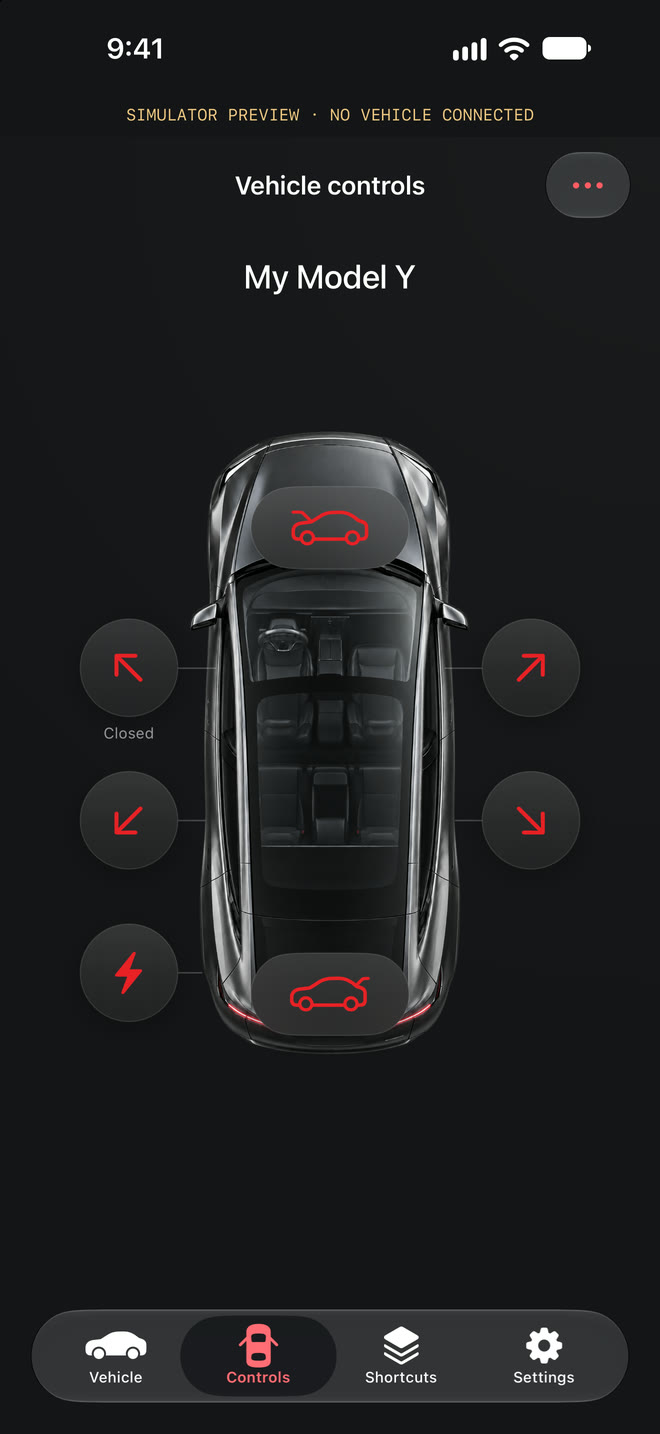
Tap the frunk or trunk on the car. For the powered trunk, choose Open or Close from the menu that appears. Part of Handlefree Pro.
Tap the charge port to open or close its cover on supported vehicles. The cover control does not mean a charging cable is safe to remove. Part of Handlefree Pro.
Keep two actions right below your own door: Trunk and Frunk until you choose others in Settings. Name your car and choose its look; artwork is personalisation, not compatibility.
Give the Action Button a job you’ll use every day. Assign your Handlefree door shortcut, press and hold, and let Bluetooth carry the request to your parked Tesla.
The driver door is free and ready straight away; other actions are ready for Shortcuts after one test at your car. Requires an iPhone with an Action Button. iPhone shortcuts require the phone to be unlocked.
See the setup guide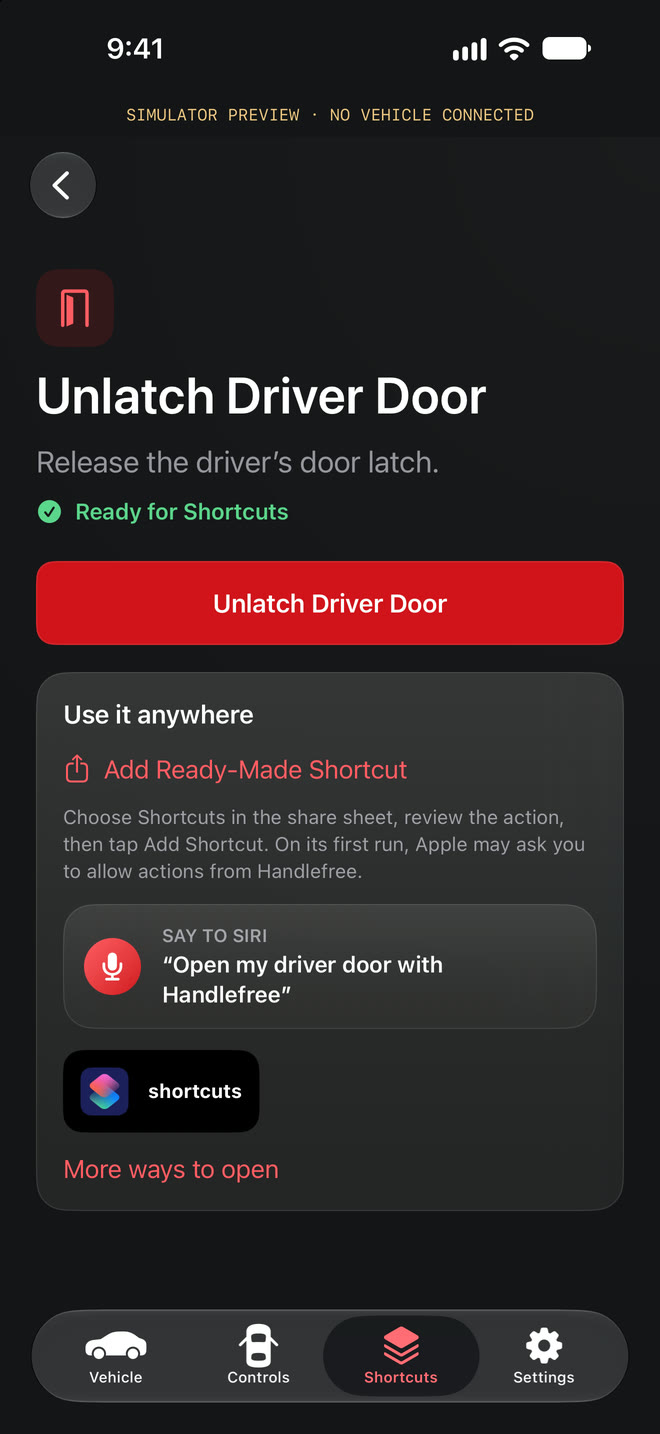
Add one control per door to Control Center or the Lock Screen. Each opens Handlefree and sends exactly that door. The driver-door control is free; the others are part of Pro.
iOS 18 or later.
Unlock your iPhone to send.
Unlatch the driver door from the Watch app or your watch face, with your iPhone nearby. Choose whether Watch requests may run while your phone is locked. Part of Handlefree Pro.
Your iPhone holds the key.
It needs to stay nearby.
Direct by design
A nearby Bluetooth connection. No Tesla account login. No analytics in the app. Your vehicle key stays on your iPhone.
Understand your privacyFind your fit
Handlefree focuses on the moment you get into your car. Compare that approach with apps built around vehicle data, remote controls or a standalone Watch key.
Compare your options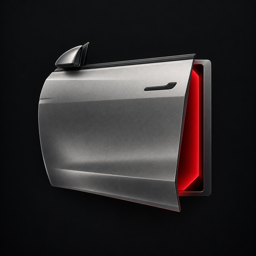
Every other door, the frunk, trunk, charge port and Apple Watch come with a one-time Pro unlock. Try all of it free for 7 days.
See Free and Pro